Profile versions and Images
CHAI™ Application Transformation Studio allows you to View profile versions and Images.
- Click on
Transformin the menu on the left side . -
Now click on
View versions and imagesof the desired component as shown in the image below.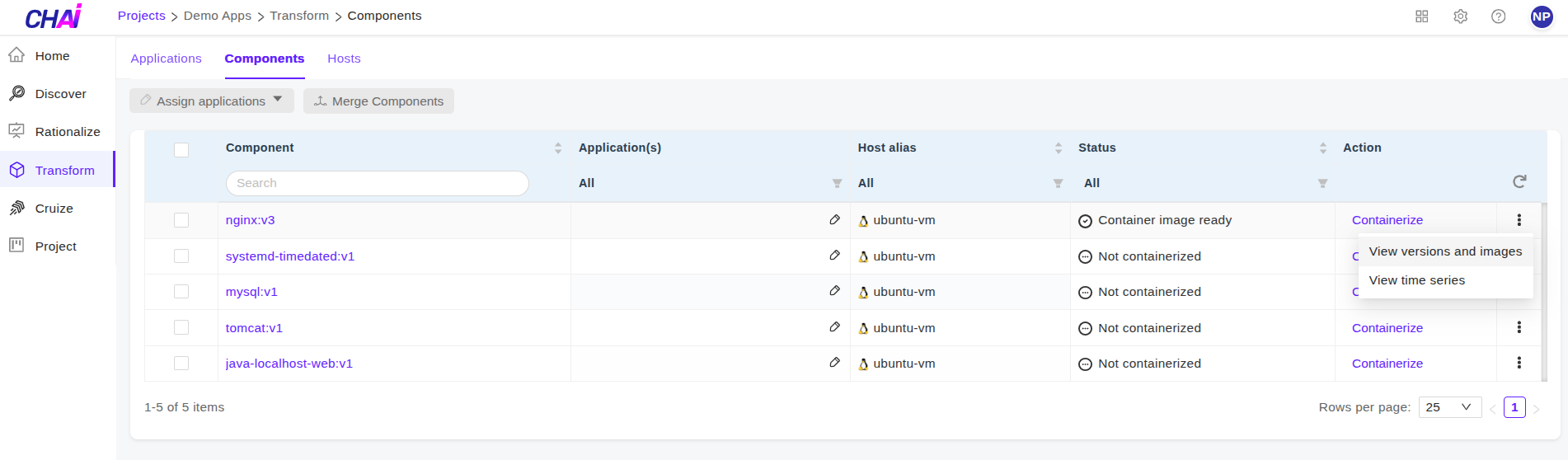
-
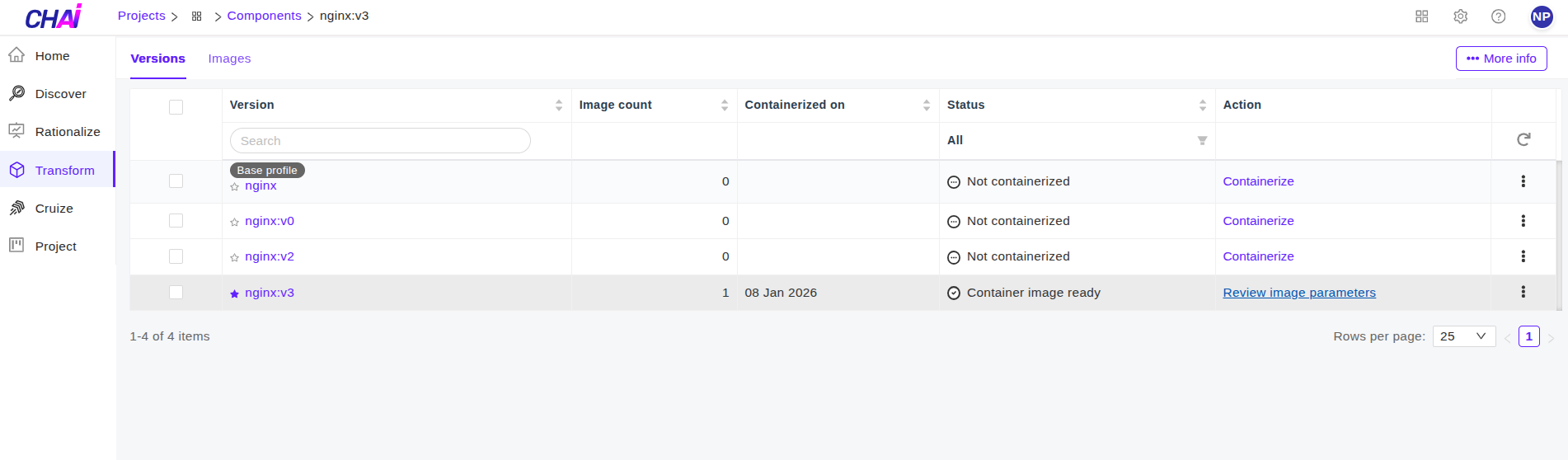
You can view the profiles version and images.
- To view the list of profiles and to modify the image parameter of profile, Click on
Review Image Parameters.
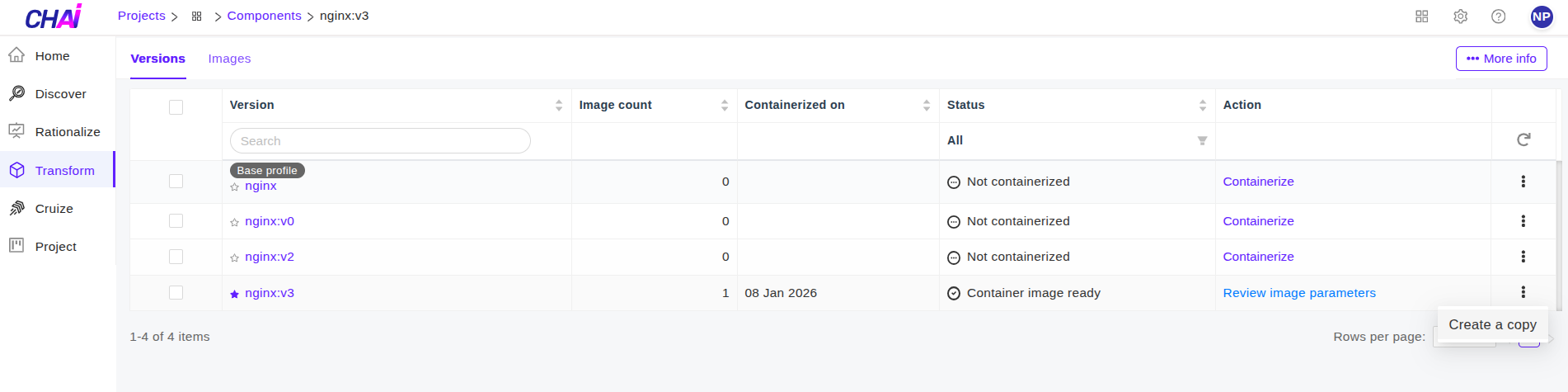
- users can create the copy of containerized profile by clicking
Create a copy.
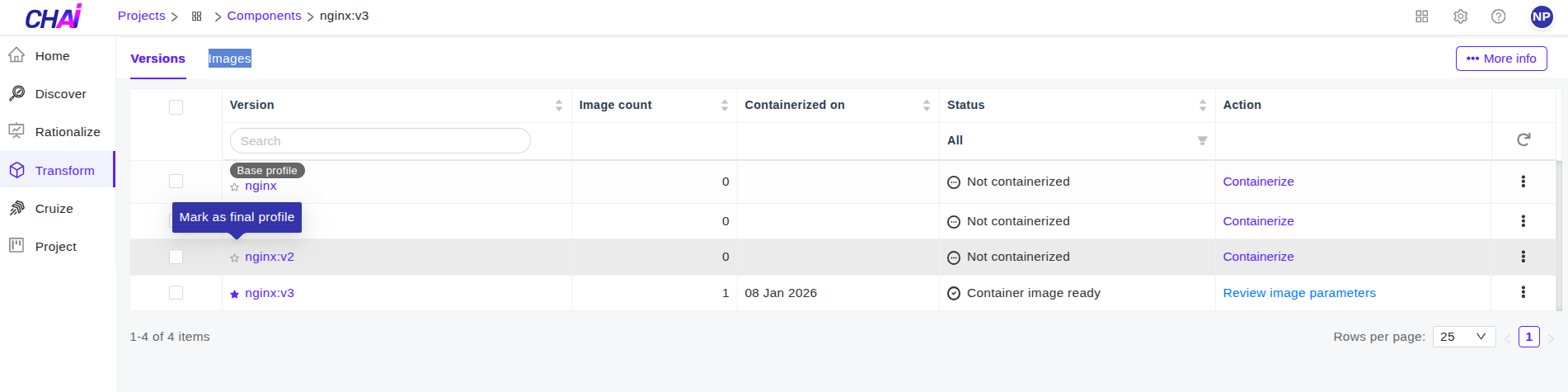
- To view the images of profile. Click on
Imagestab. Click on★to mark image as final image.
- To view the list of profiles and to modify the image parameter of profile, Click on