SAML Integration with CHAI™
Setup Process
Step 1: Create Okta Account
Create an account at https://www.okta.com
Step 2: Access Applications
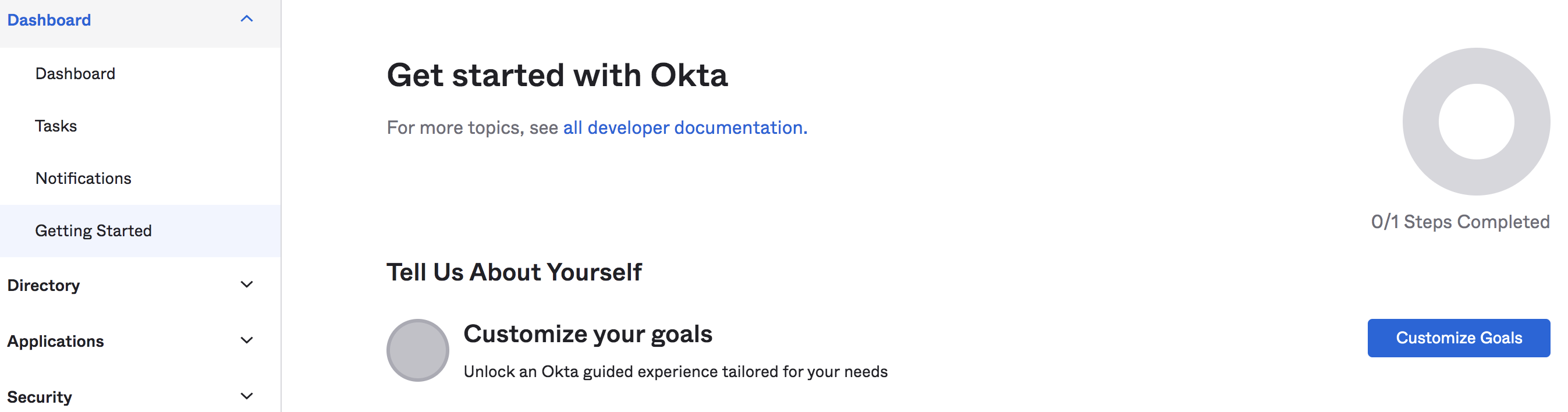
Once account is activated, login to the portal. In the left hand navigation, select "Applications" under "Applications".
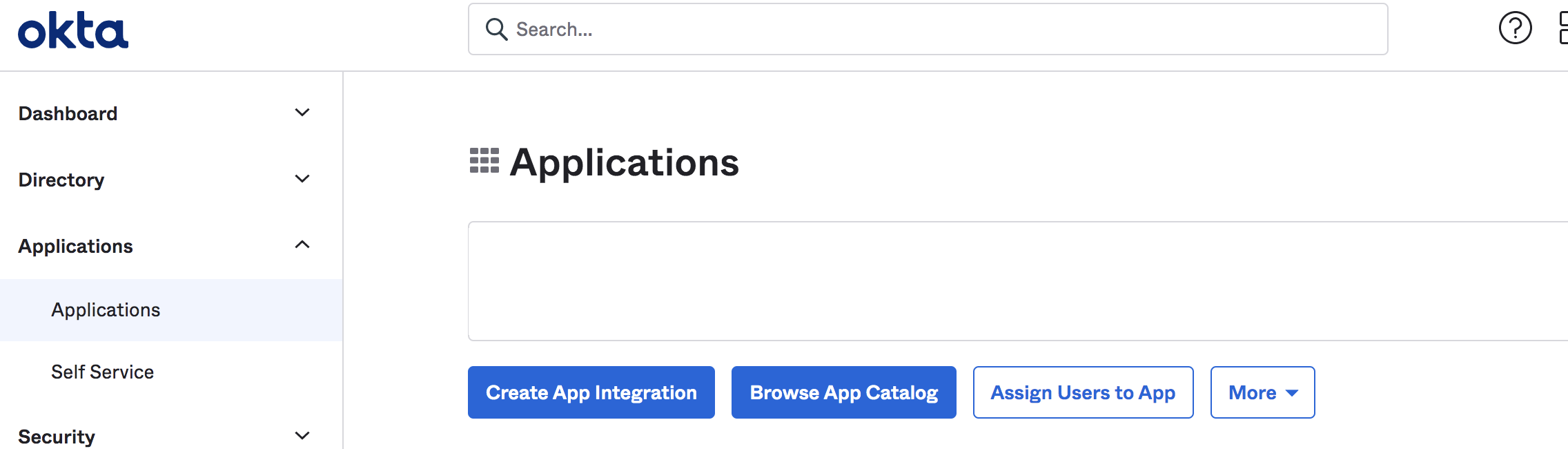
Step 3: Create App Integration
Click on "Create App Integration".
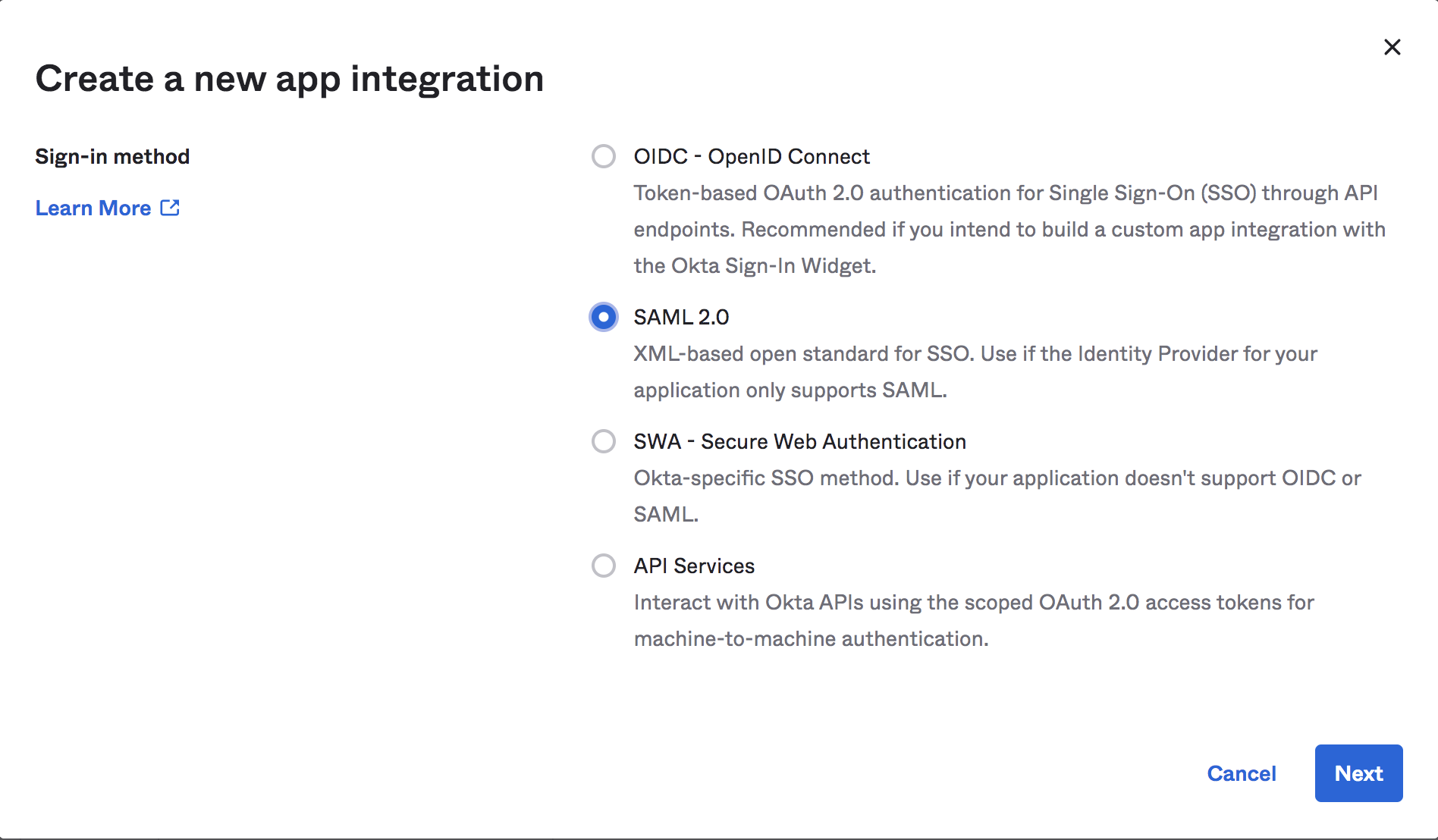
Step 4: Select SAML 2.0
Select SAML 2.0 in the next screen and click on Next.
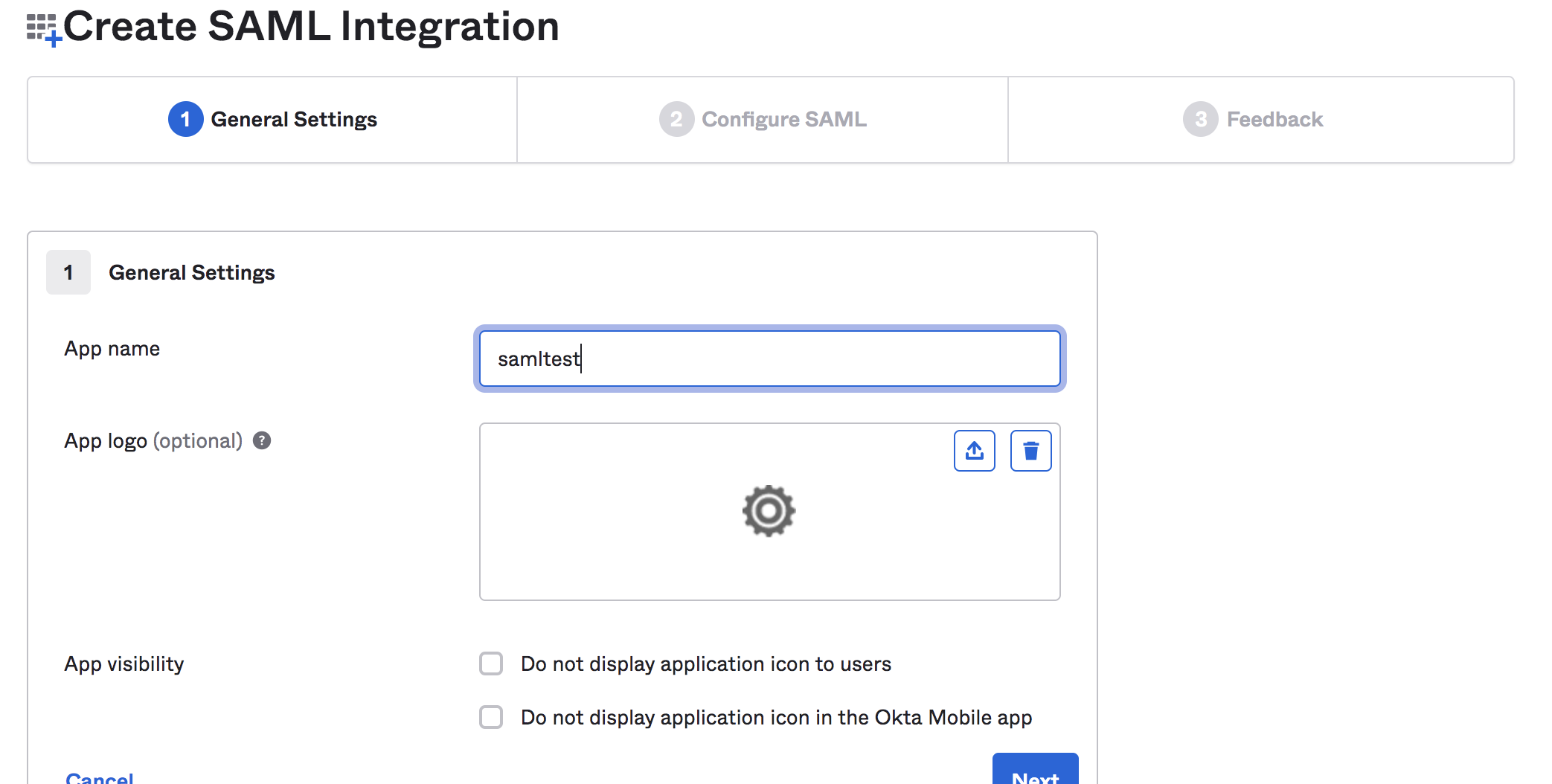
Step 5: Provide App Name
Provide an App Name and click on next.
Configure SAML Settings
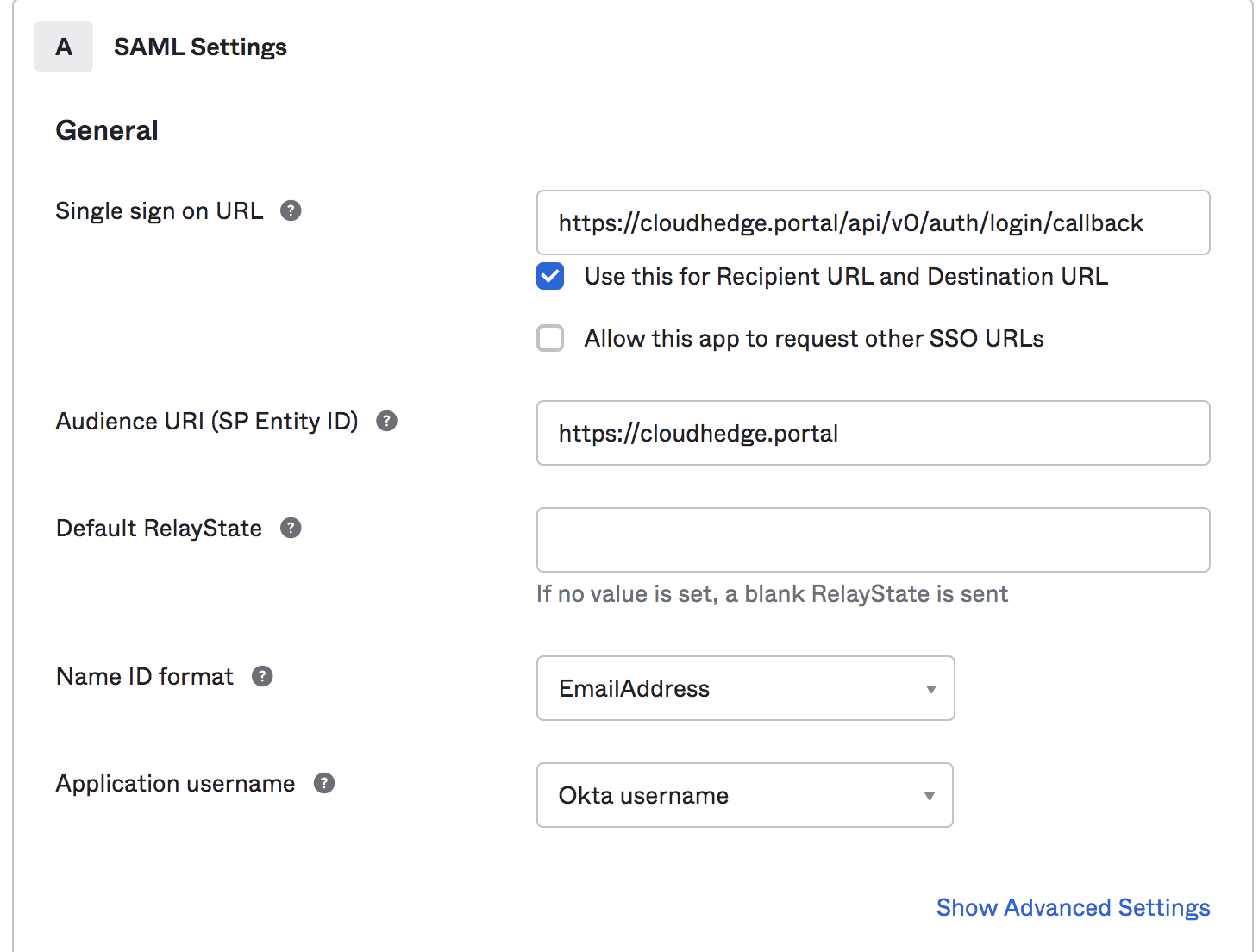
Step 6: Configure SAML
In the next screen:
Audience URI (SP Entity ID): Provide your portal address.
Example: https://cloudhedge.portal.io
Single Sign On URL: Append the API path to your portal URL like:
https://<CHAI™-portal's-DNS-or-ip-address>/api/v0/auth/login/callback
Examples: - https://app.cloudhedge.io/api/v0/auth/login/callback - https://192.168.0.195/api/v0/auth/login/callback
Name ID format: Select "EmailAddress"
Click on Next.
Step 7: Complete Setup
In the next screen, select any of the radio buttons and click on finish.
Retrieve Configuration Details
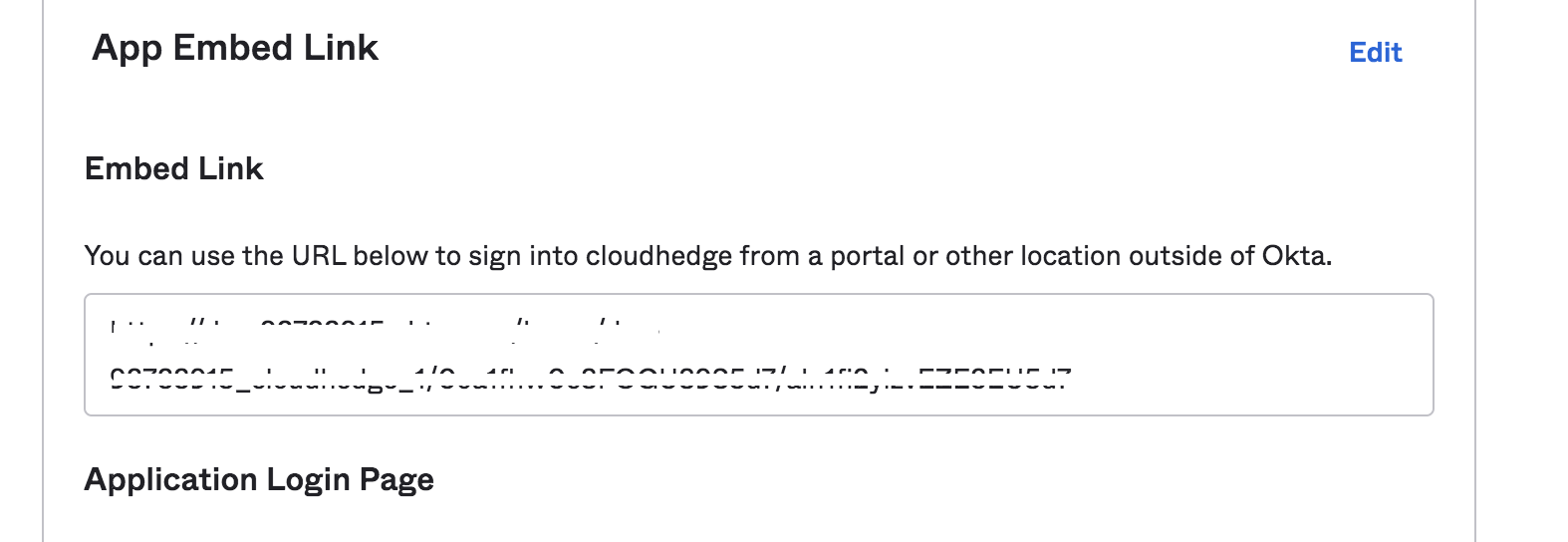
Step 8: Copy Embed Link
Navigate back to the Applications screen and click on the Application you just created. Click on the General tab and scroll down and copy the Embed link.
Step 9: Download Metadata XML
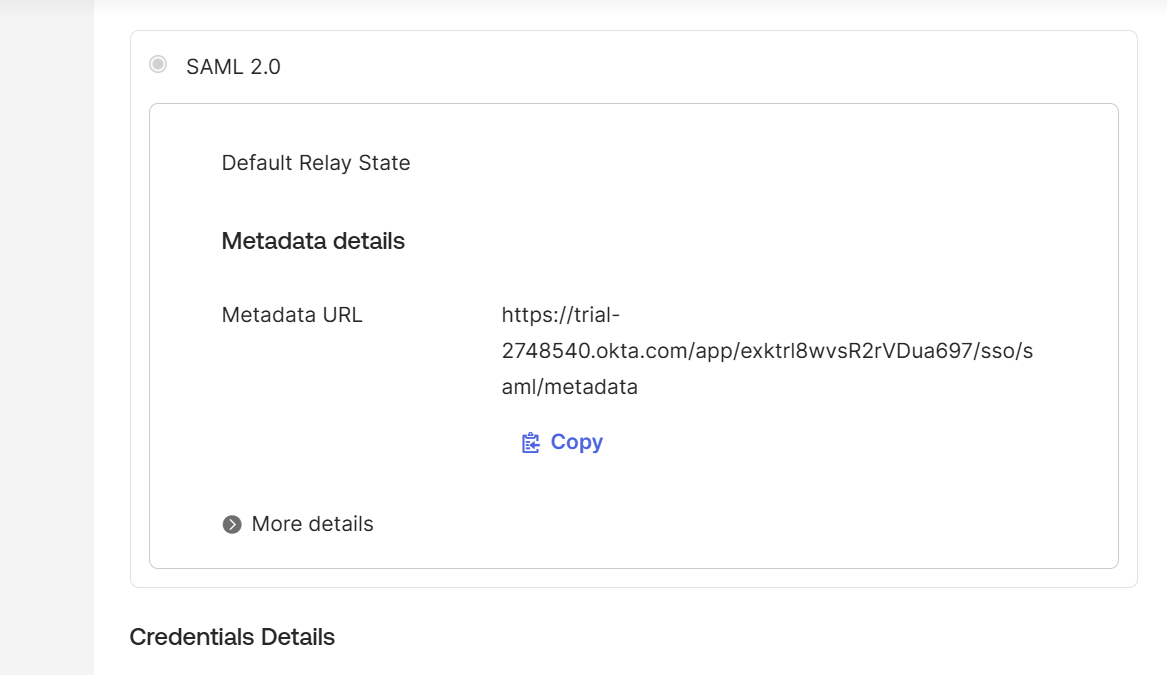
- Click on the Sign on tab and copy the Metadata URL value from SAML 2.0 section
- Paste the URL in the browser
- Copy the xml content displayed on browser and save it to a file as okta.xml
Add Users
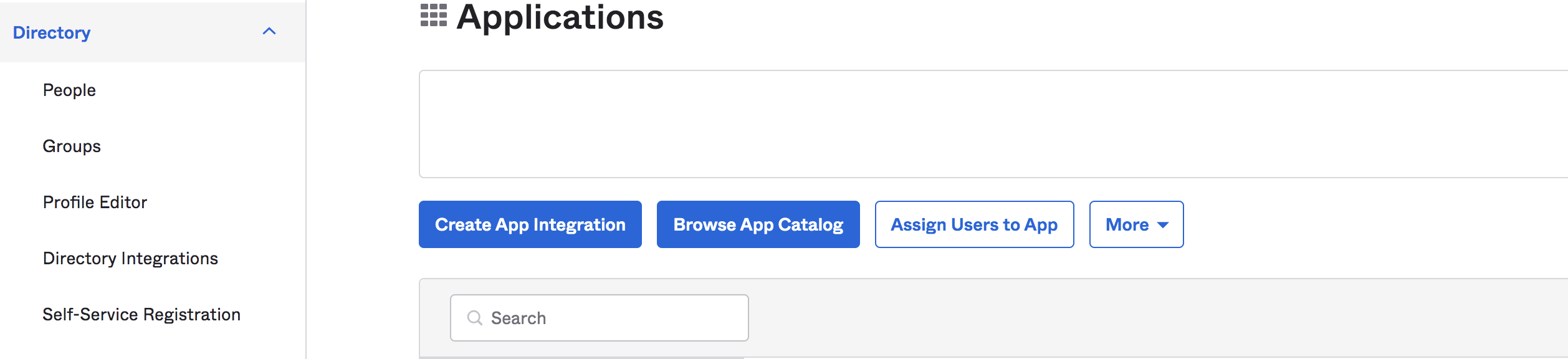
Step 10: Access People Directory
In the left hand navigation, select People under Directory.
Step 11: Add Users
Click on Add Person and add users that you need. Have the users change their password and then activate the account.
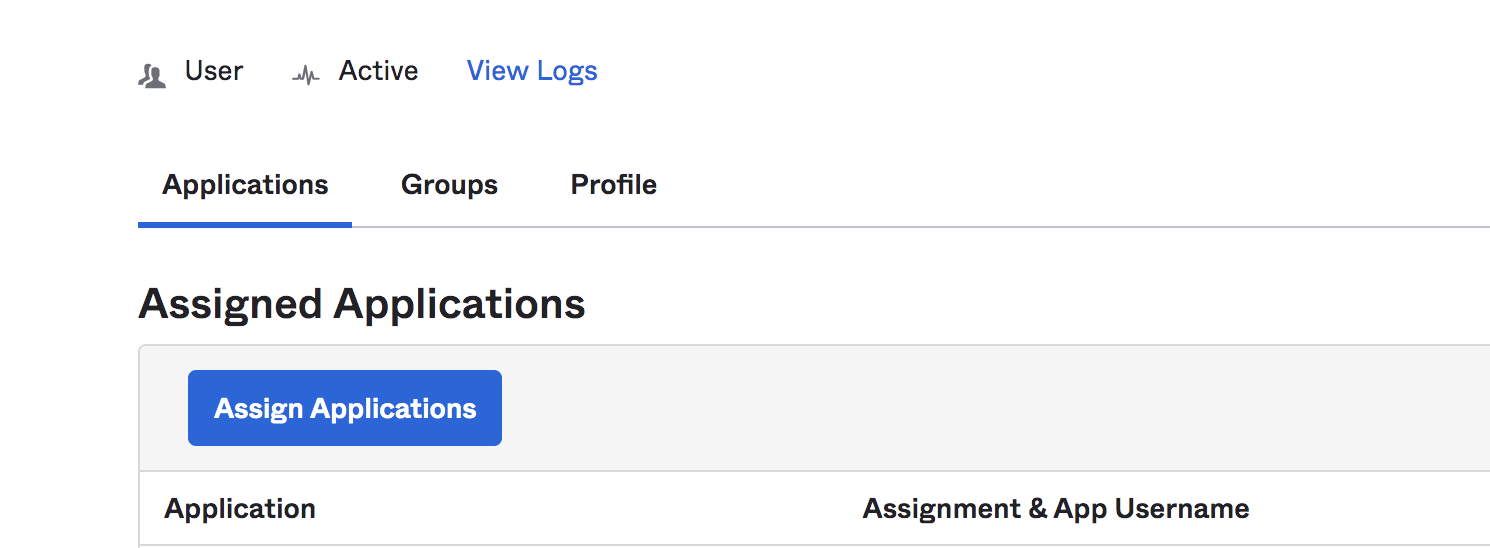
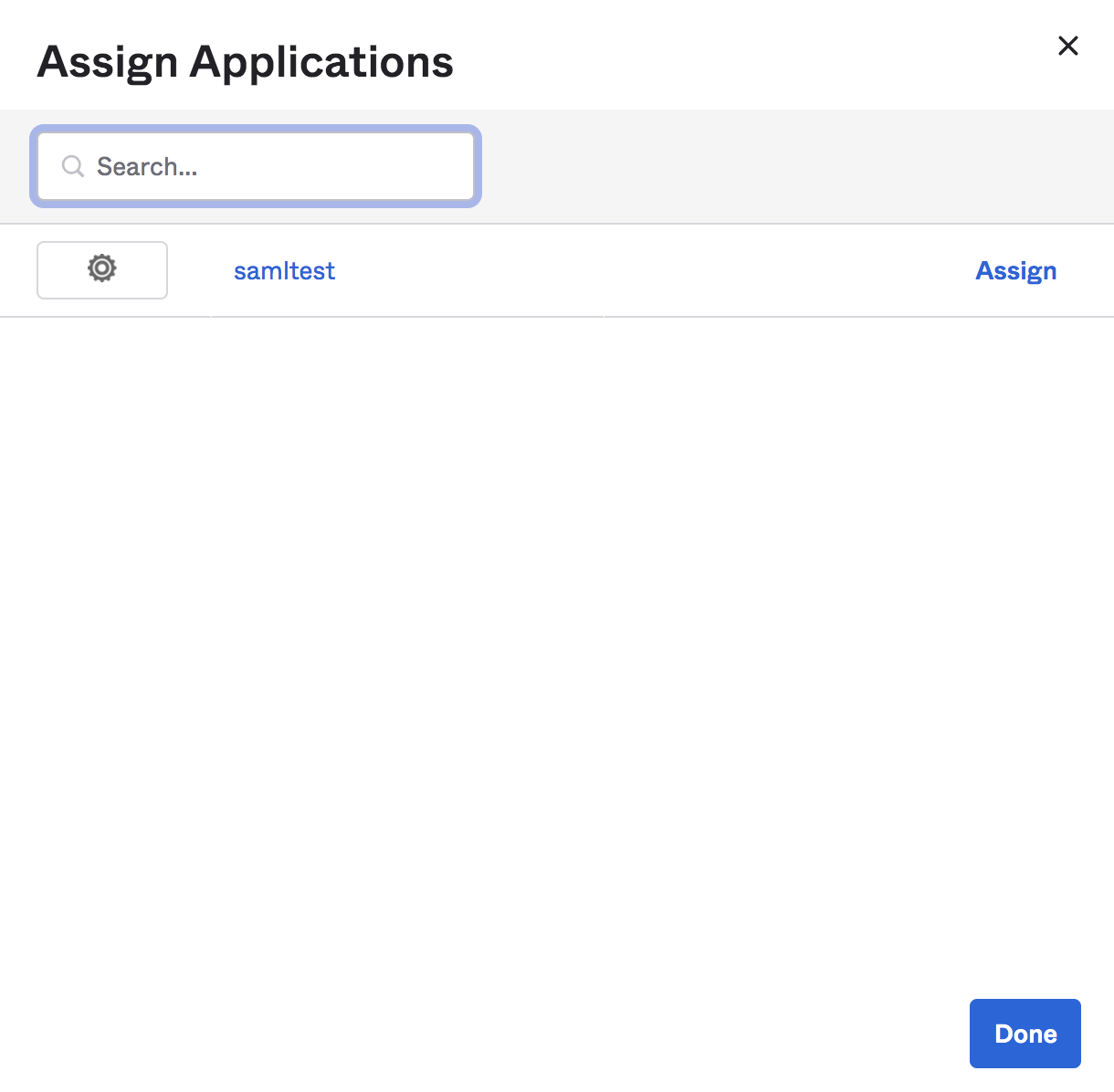
Step 12: Assign Application to Users
- In user page, select user
- Click on "Assign Applications"
- Assign users the permission to the application you created above
Step 13: Complete User Assignment
Do this for all the users you want to be able to authenticate to CHAI™.
Additional Configuration
To grant additional permissions to the SAML users, go through the SAML user section in the link.